

TECHNOGYM APP
Get superior results faster
> WATCH THE VIDEO

Technogym Coach customizes your workout

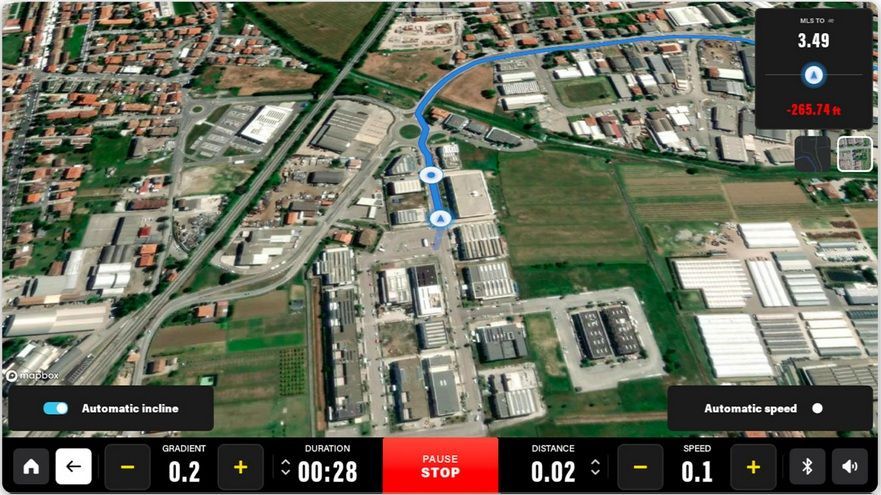
Train at home, at the hotel,
at the gym, or outdoors

Over 1000 workouts including equipment and bodyweight exercises

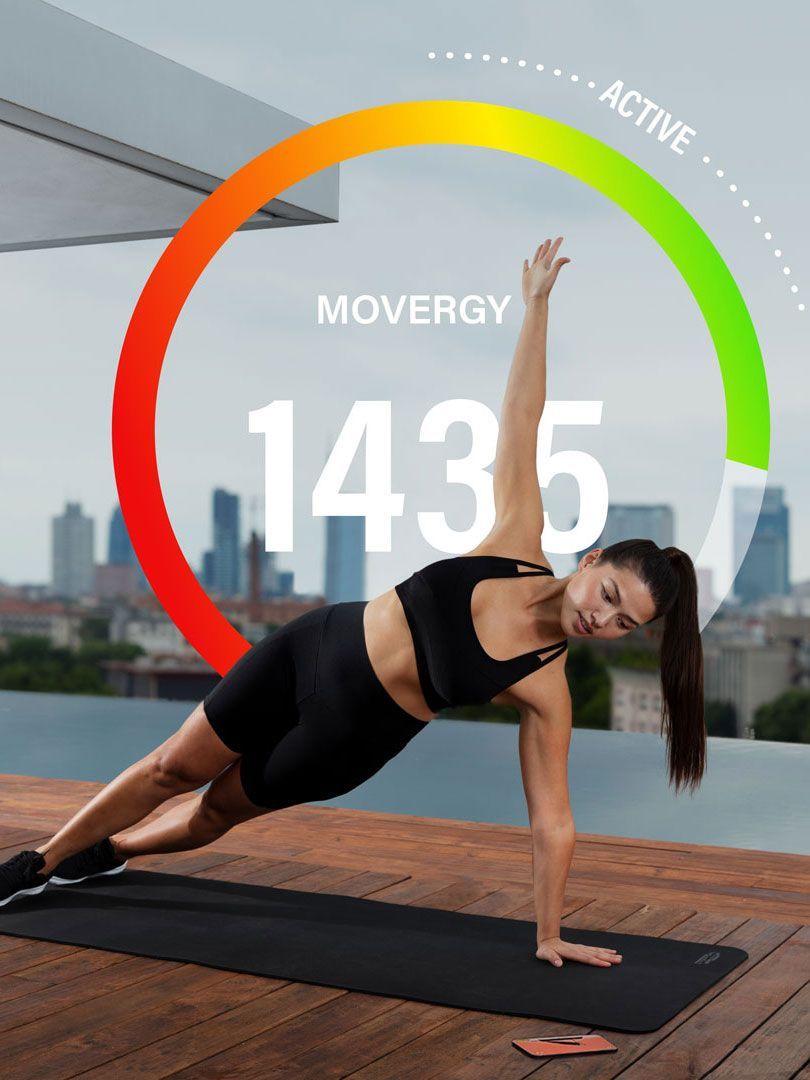
Monitor your activities and lifestyle with MOVEs and MOVERGY
YOUR PERSONALIZED TRAINING PLAN
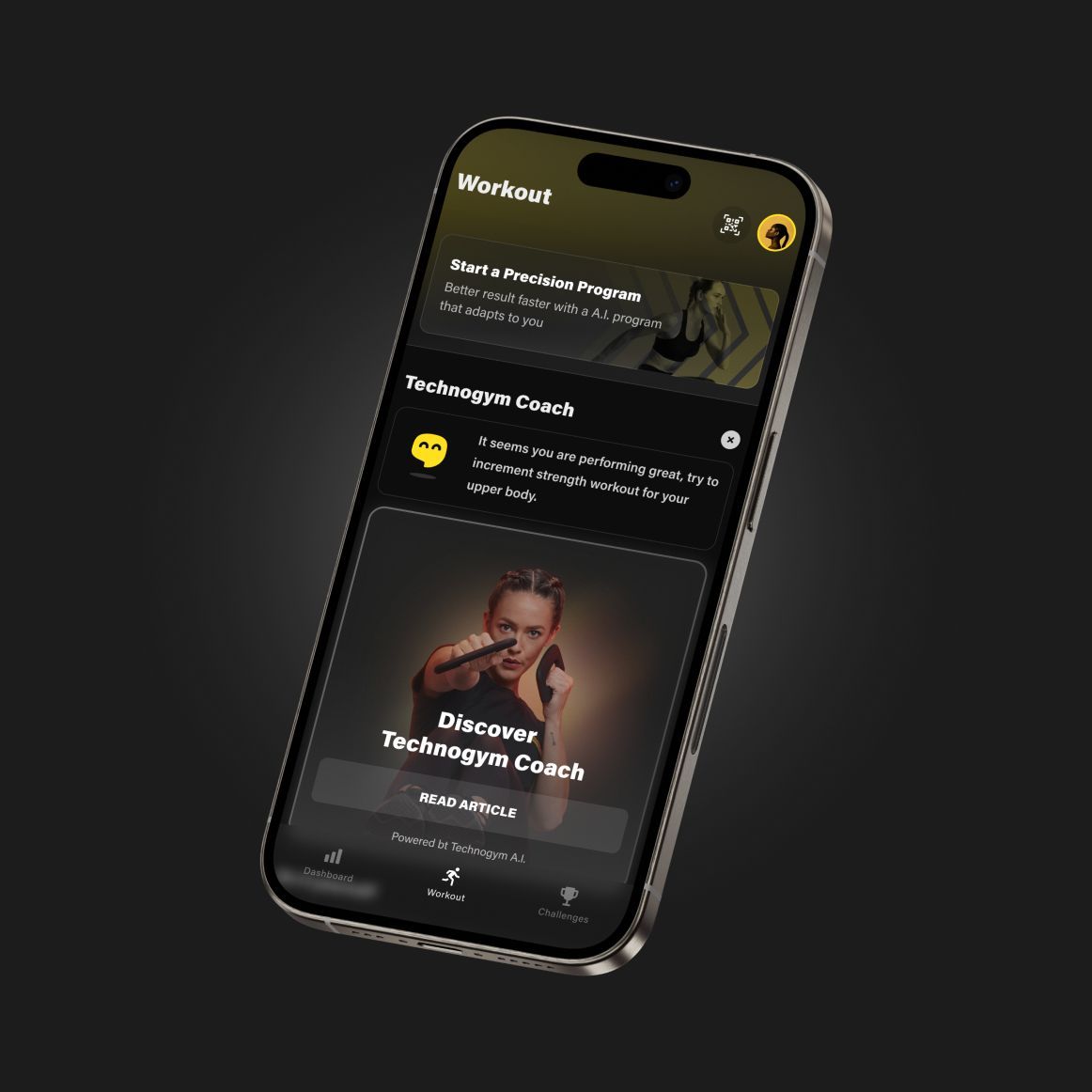
Technogym Coach is your digital personal trainer: answer its questions and get a Precision Program tailored to you that adapts to your progress, helping you reach your goals faster.
Choose your journey: Fitness, to get in shape, lose weight, tone up, build muscle, and stay young; Sport, to maximize your performance in tennis, golf, running, or skiing; Health and Lifestyle, to reap the benefits of physical activity with programs suitable for conditions such as diabetes, hypertension, overweight and back pain.
Download the app and discover Technogym Coach.
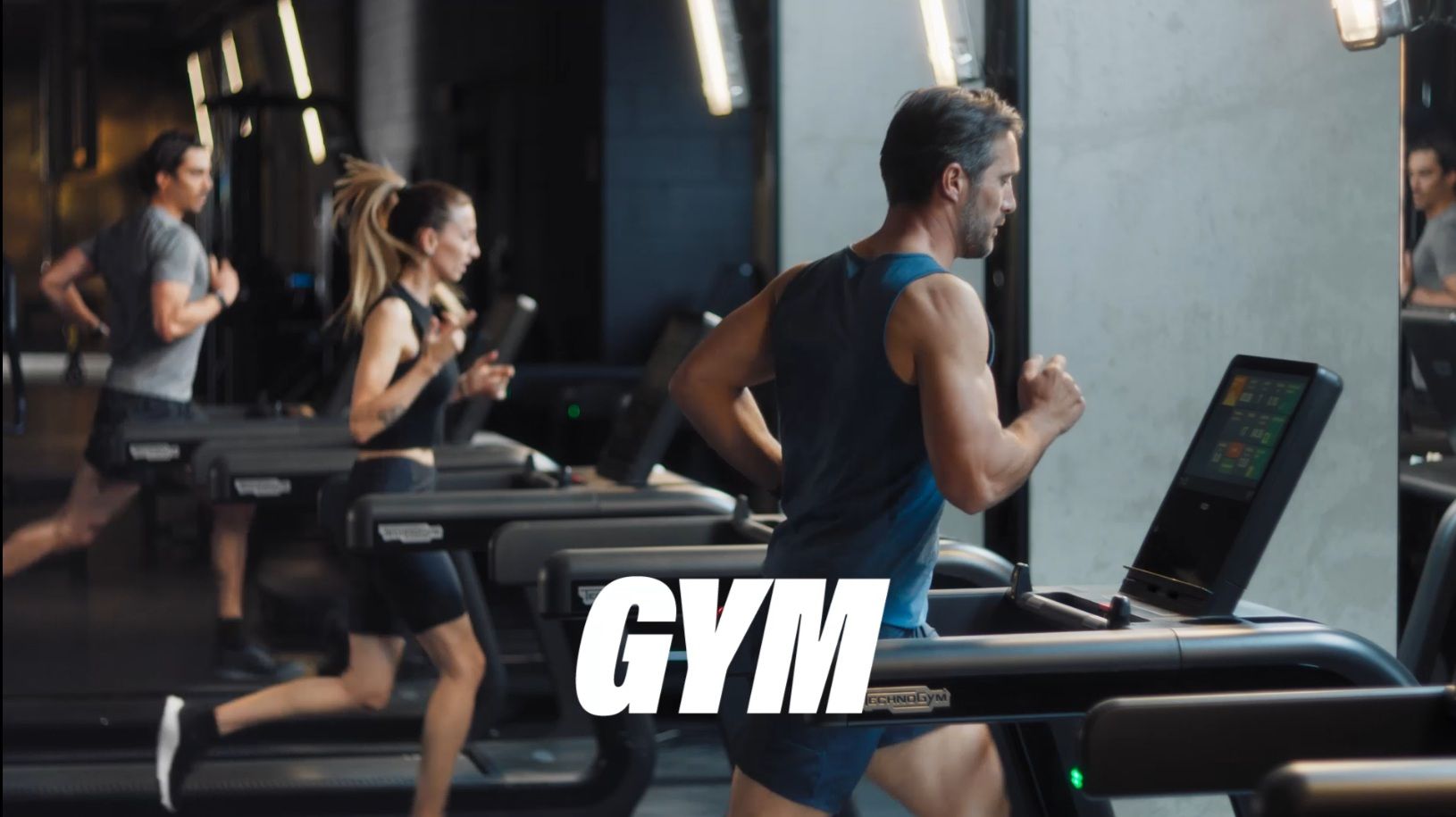
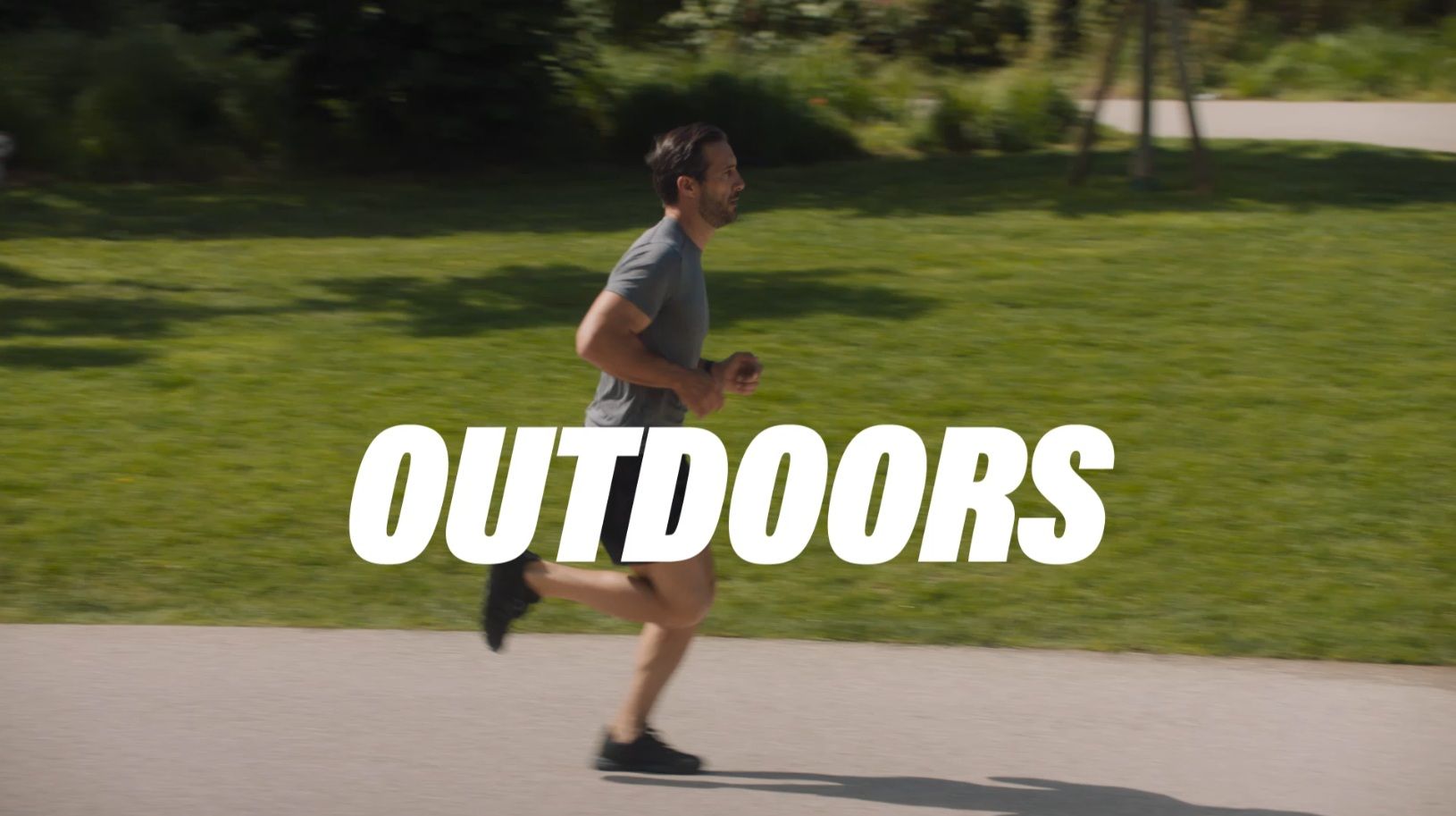
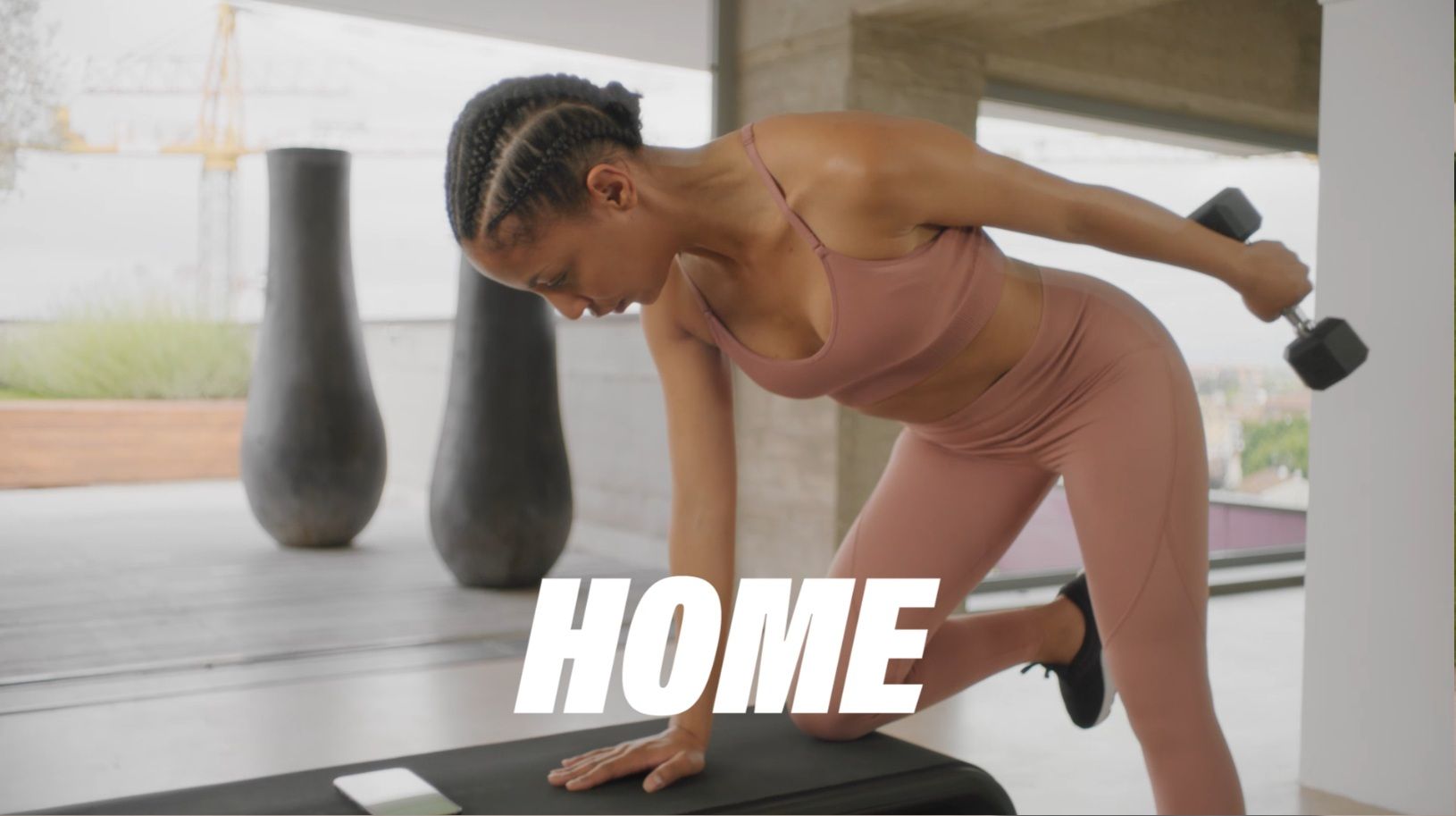
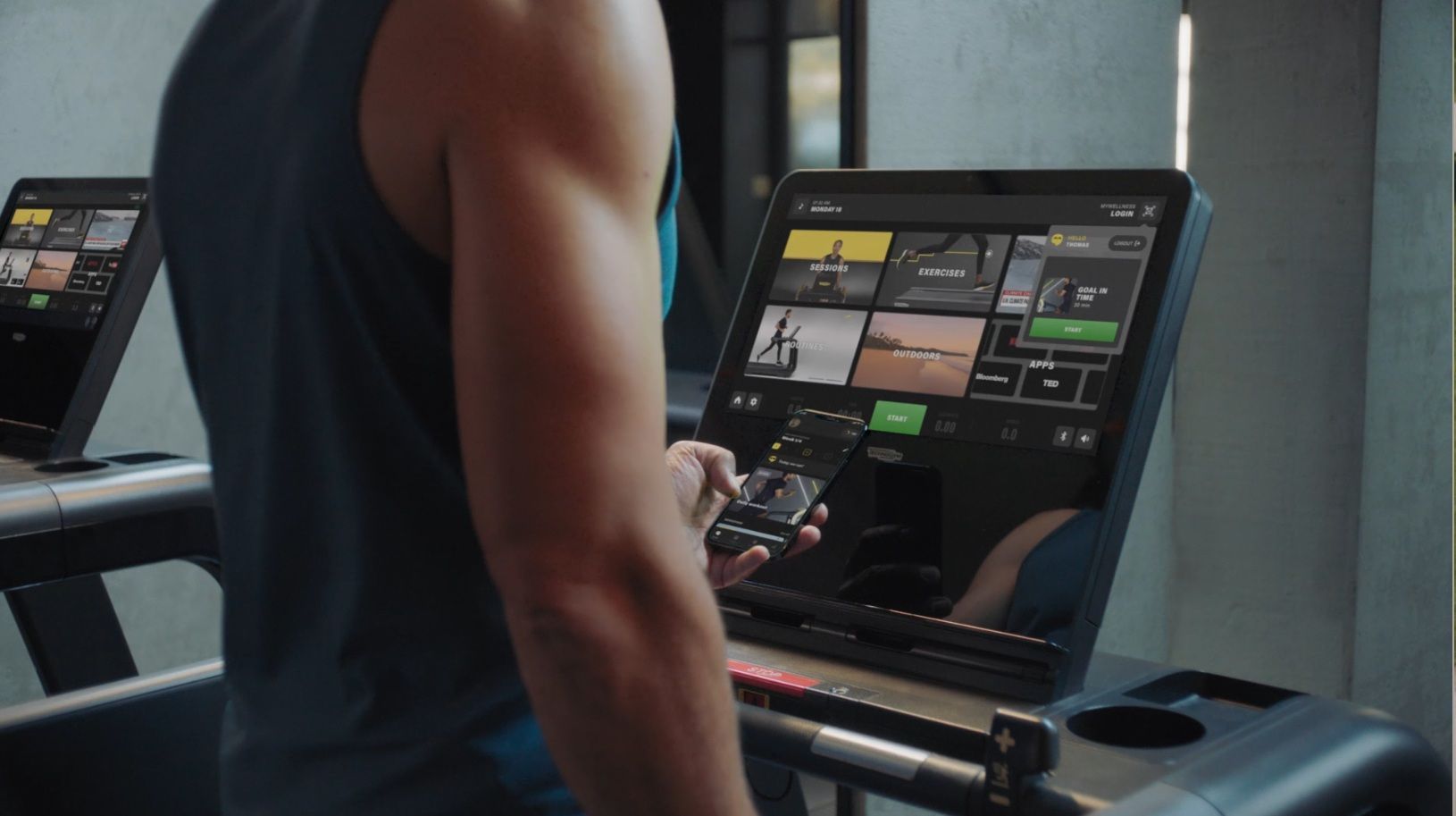
TRAIN ANYWHERE, WITH ANY AVAILABLE EQUIPMENT OR BODYWEIGHT EXERCISES
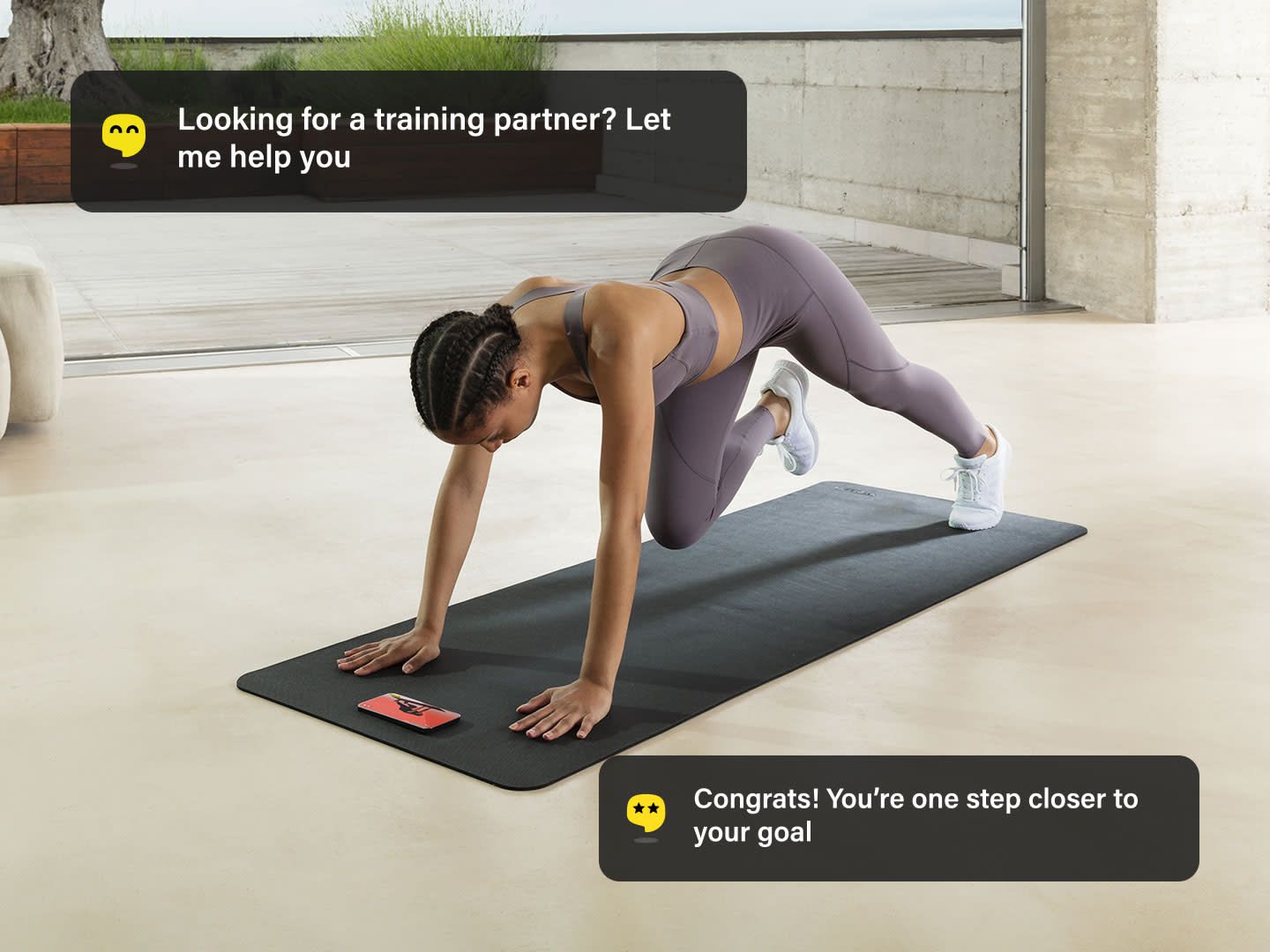
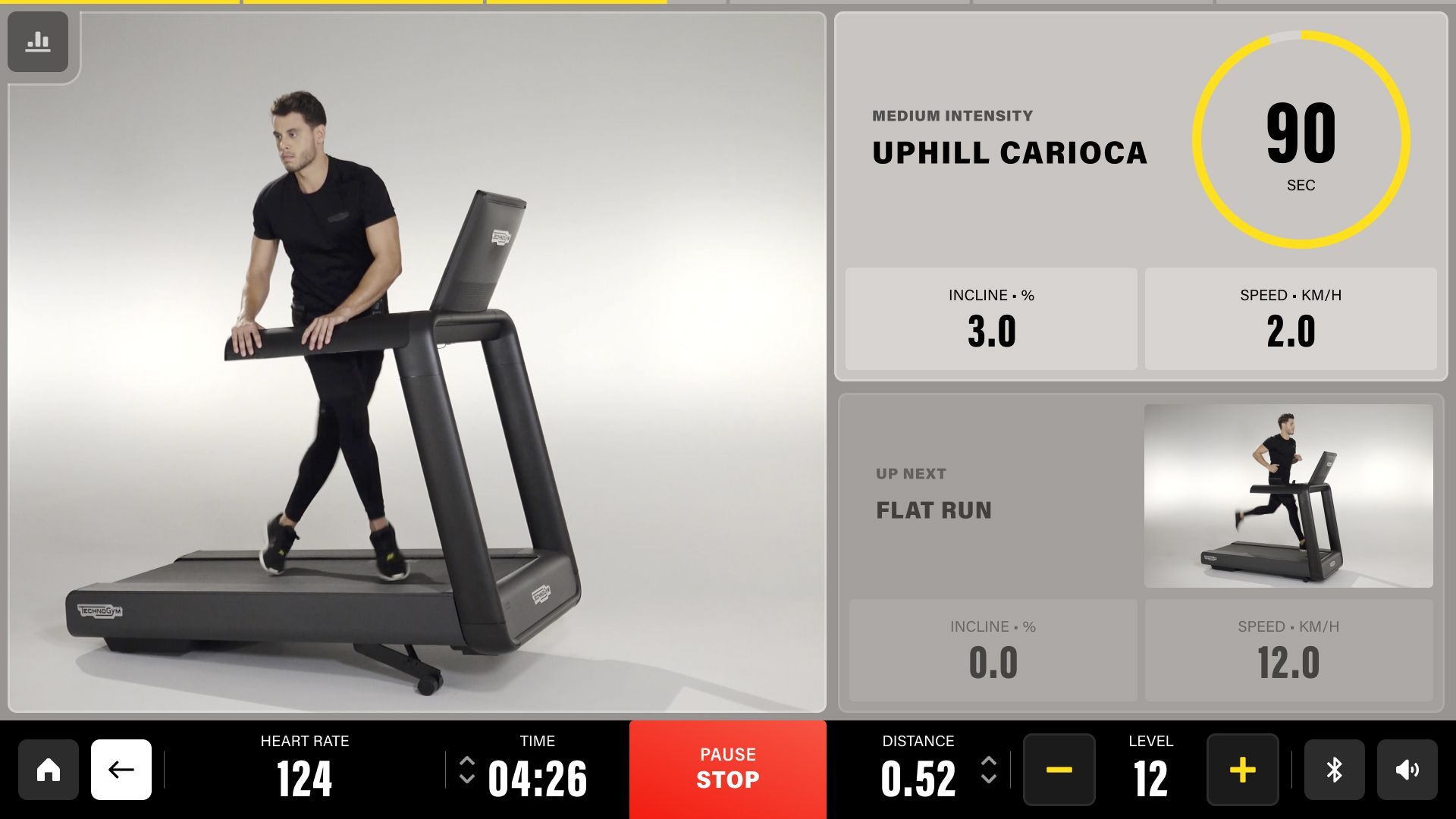
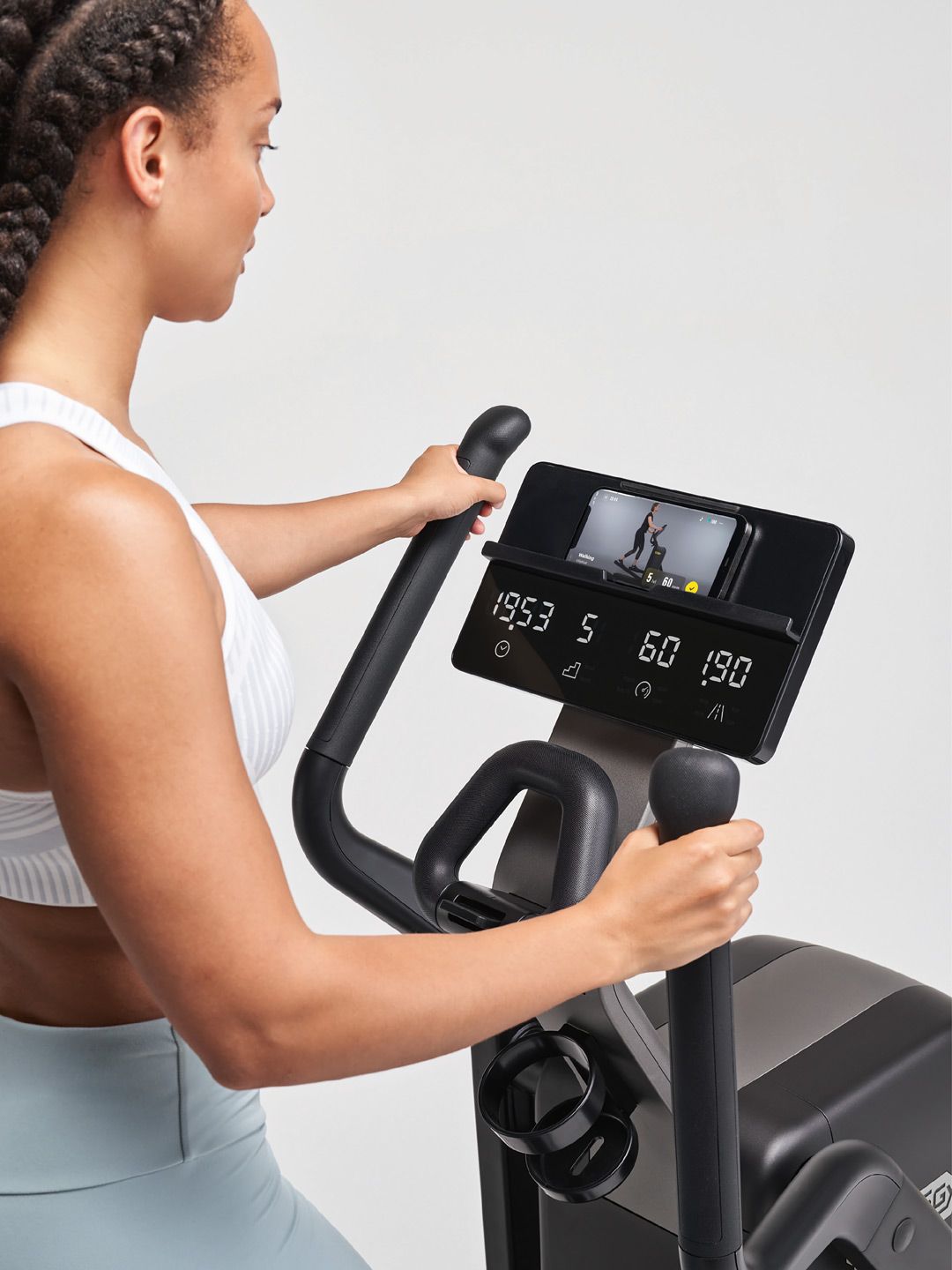
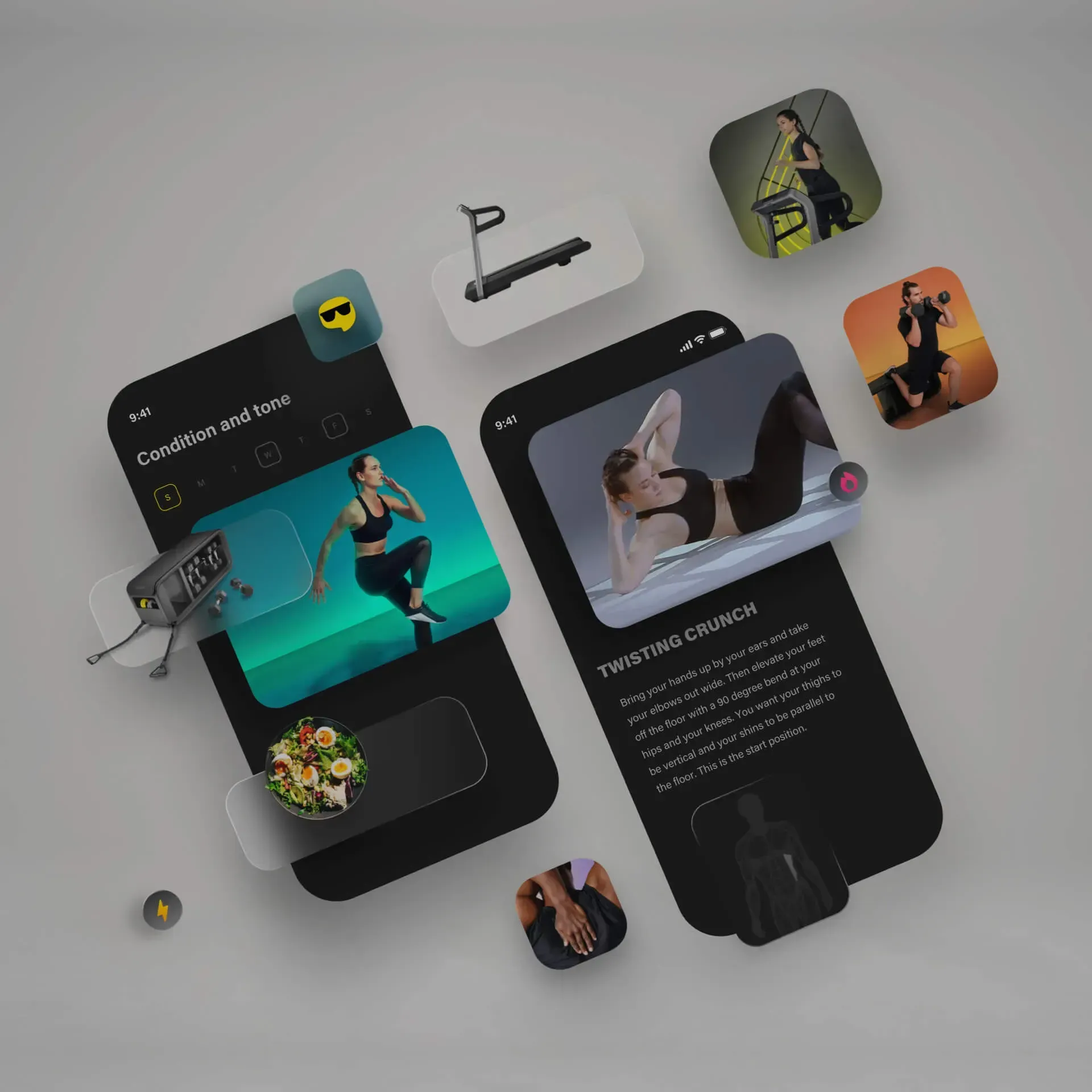
Whether you're at home, at the gym, at the hotel, or outdoors, with the Technogym App you can adapt your workout with bodyweight exercises or with the equipment available: free weights, treadmills, bikes, and many more.
Endless training possibilities
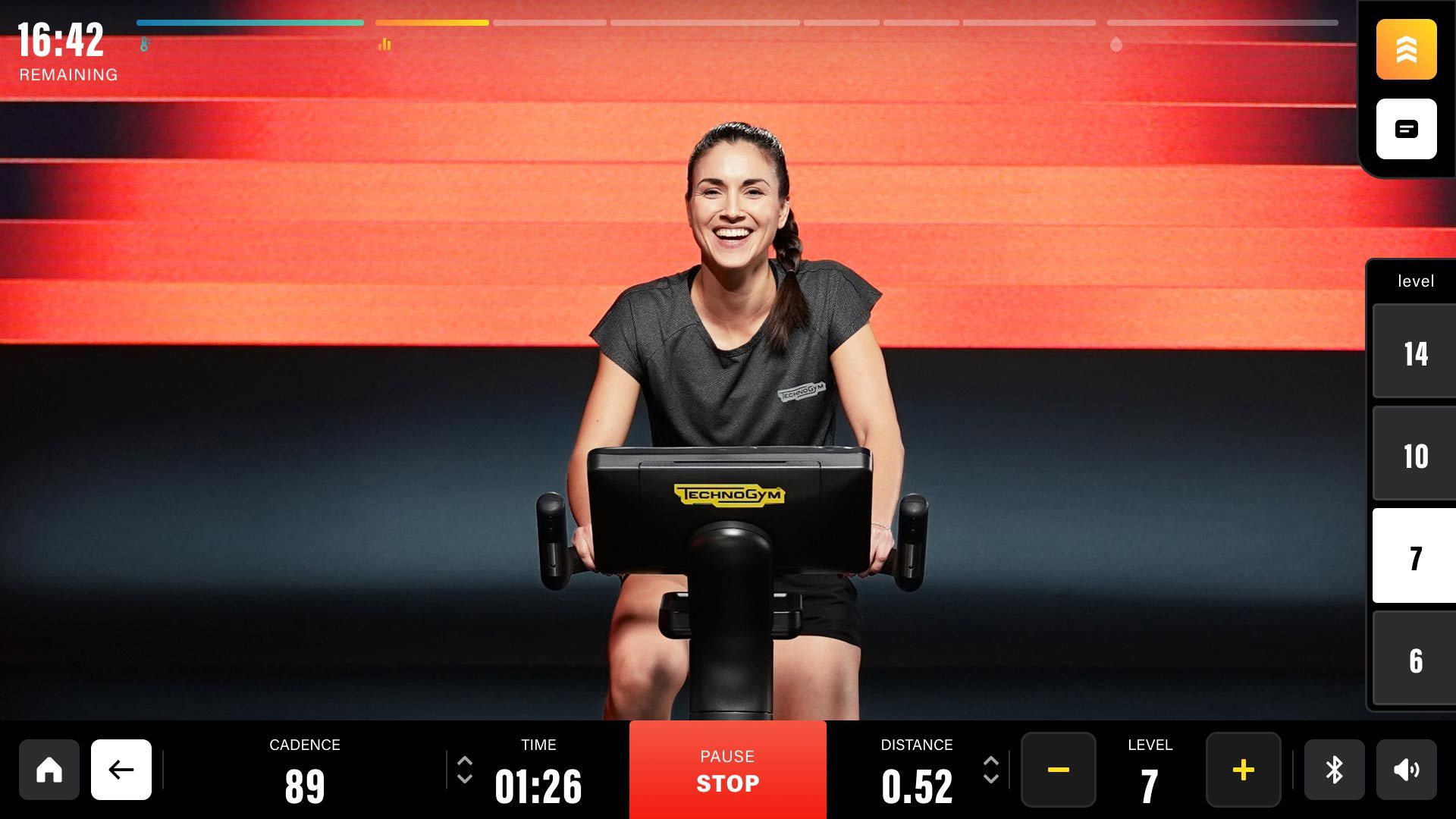
Find the workout that fits you best. Choose from Routines, Sessions, and Signature Programs, and you'll get all kinds of workouts matching your needs: HIIT, strength, stretching, boxing, yoga, guided meditations, and more, with or without equipment.
So much more to experience Wellness at its best
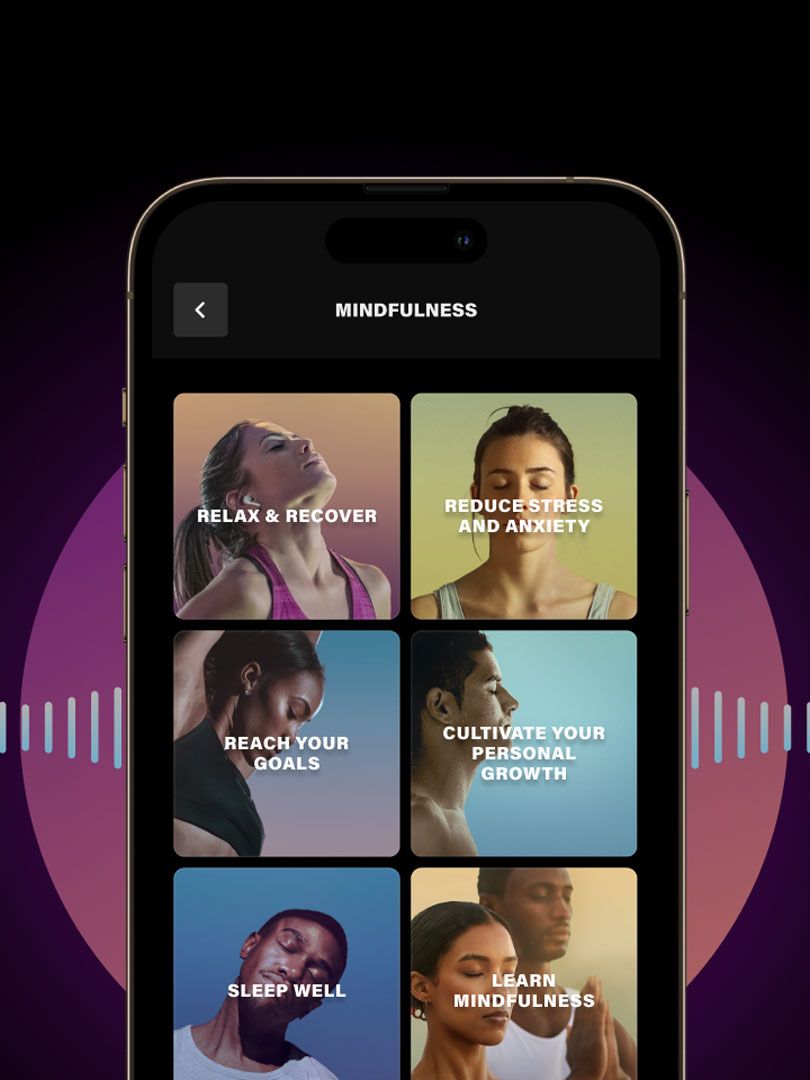
Train your mind with meditation
Improve your body and mind connection with our guided meditations on personal growth, performance, stress, relaxation, sleep, and more.
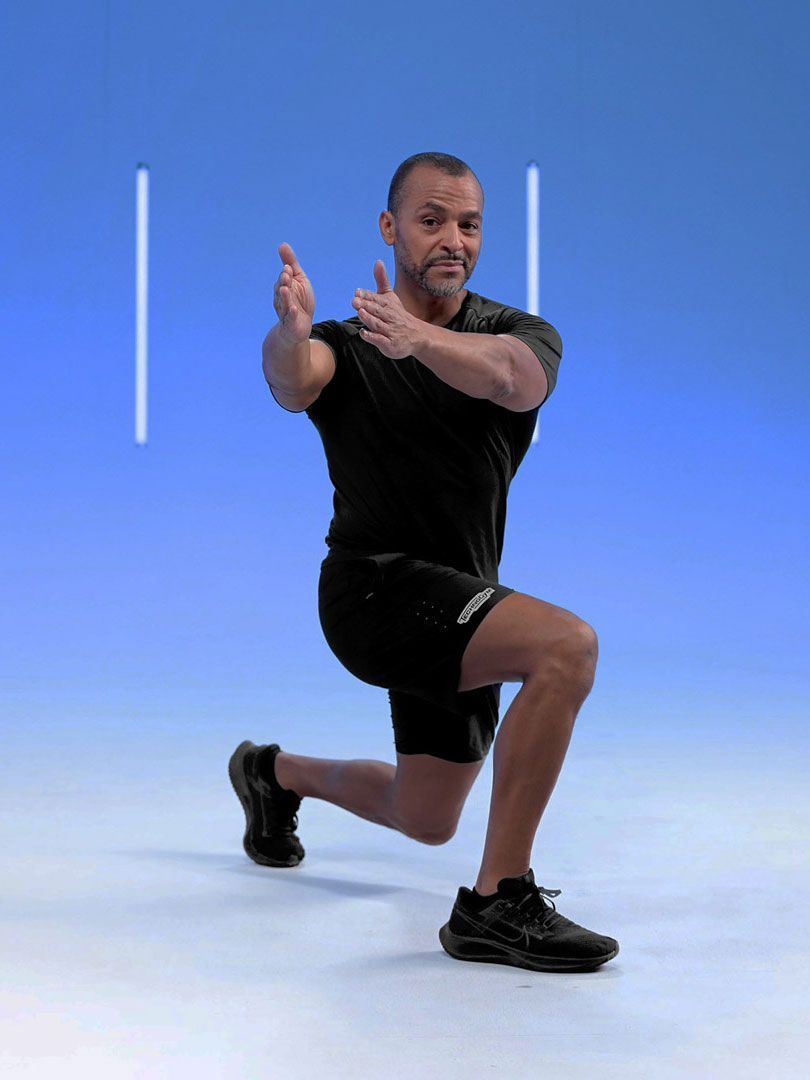
Stay young, longer.
Make your years count with Longevity Sessions and our articles with tips for a healthier, better and longer life. Train with our trainers, slow down your age and stay young for longer.
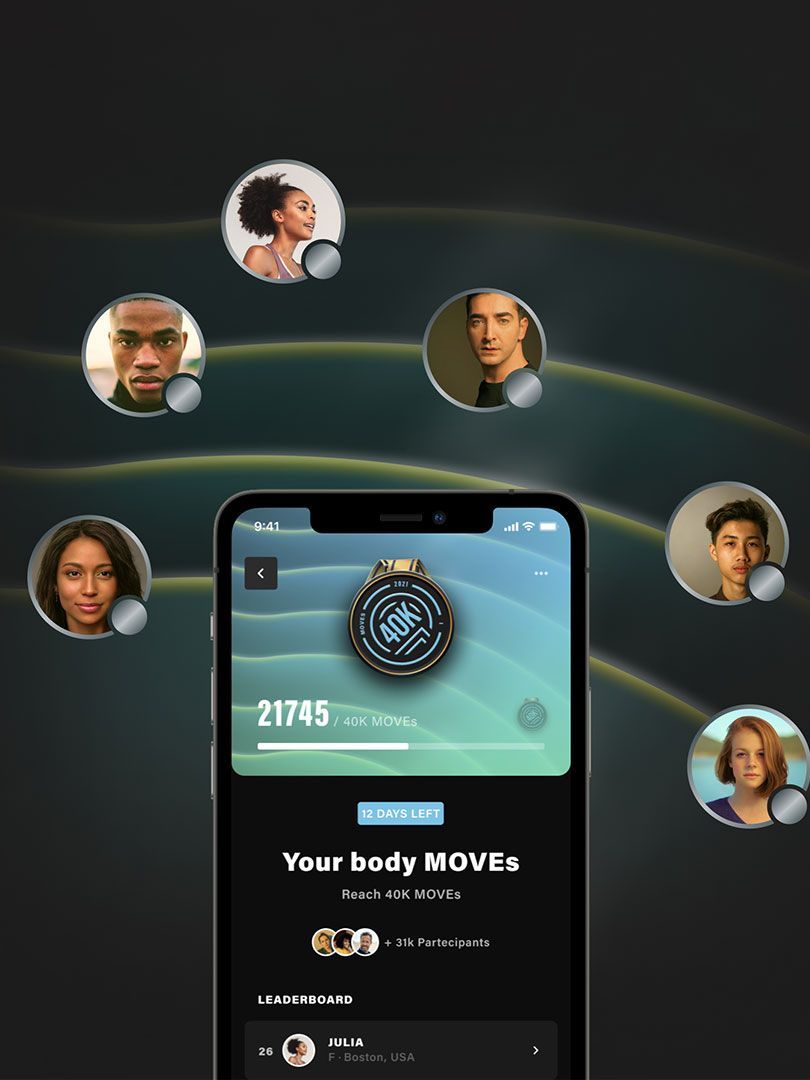
Raise the bar with Challenges
Push your limits in the individual challenges or confront the other users in the community. Collect badges one after another, and climb to the top of the leaderboard!
Wellness Magazine
On your rest days or while relaxing, you can browse our articles with insights into healthy eating habits, workout tips, trends, mindfulness, and stories shared by our community.

Lifestyle

Nutrition
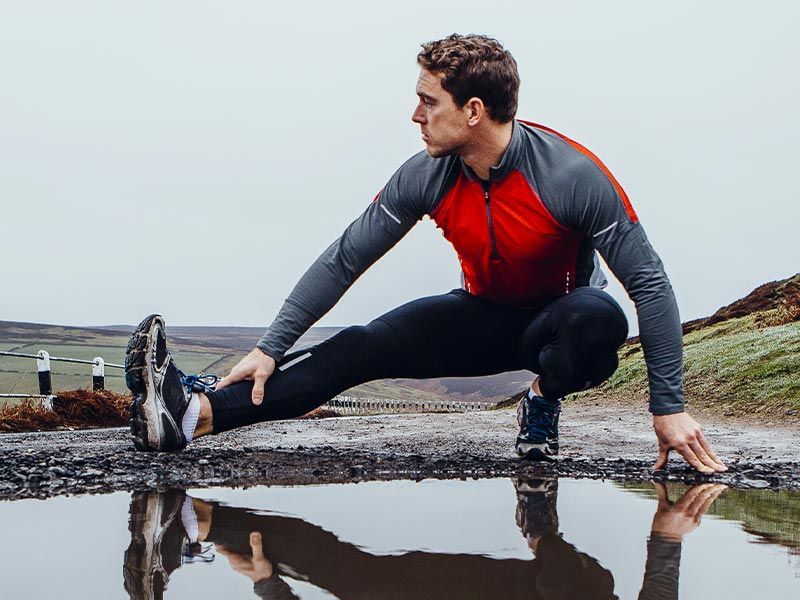
Training

Sport
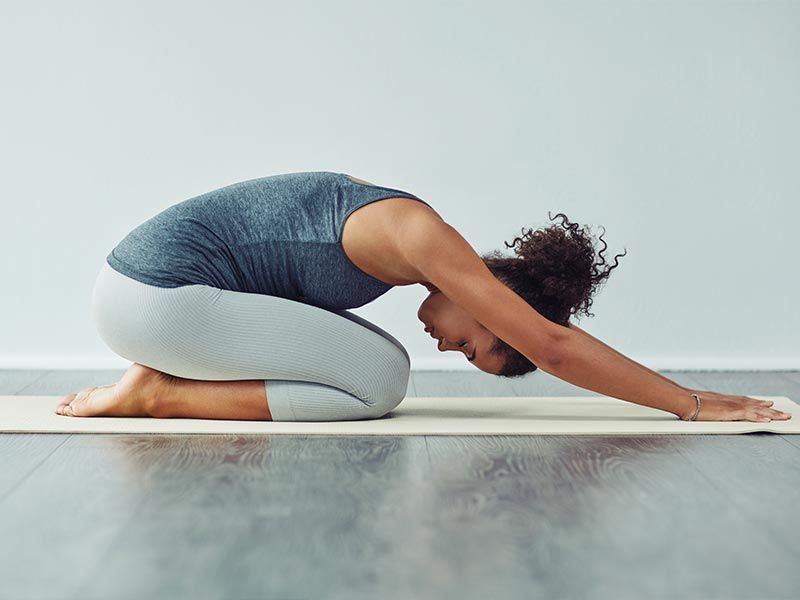
Mindfulness
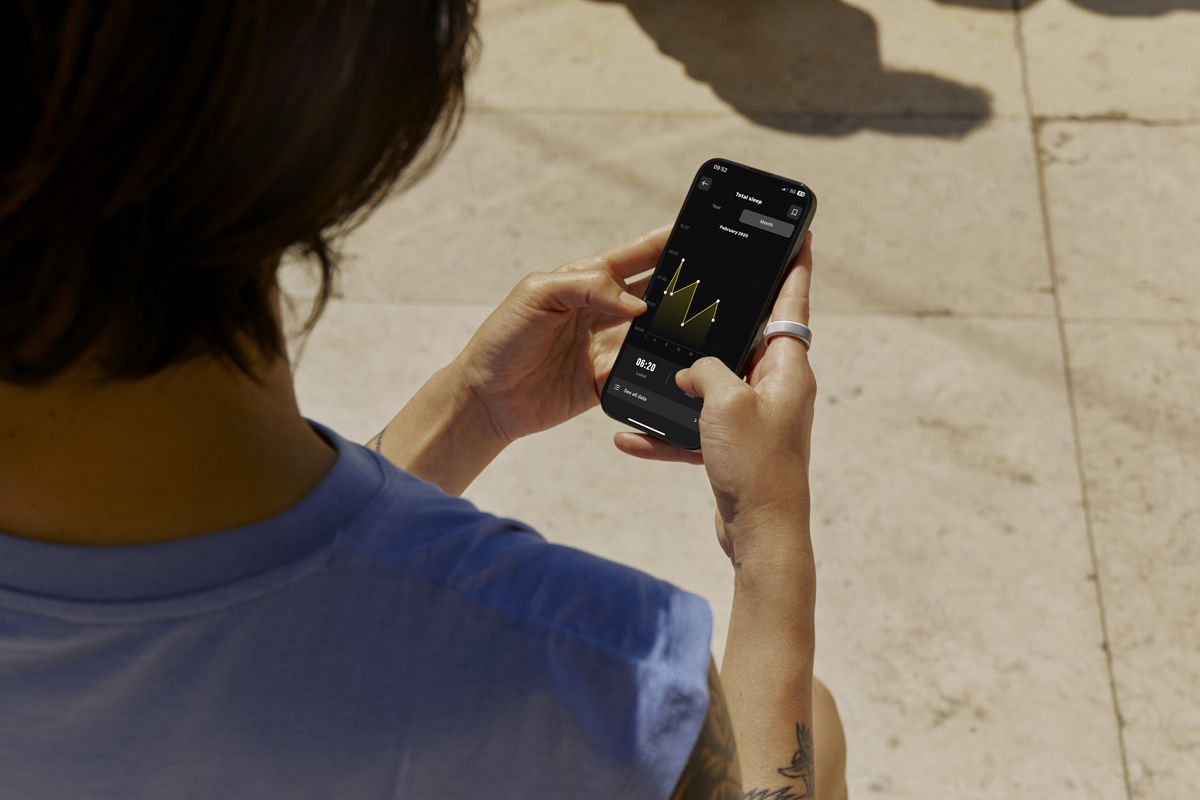
MAXIMIZE YOUR WELLNESS JOURNEY WITH OURA
Connect your Oura data to Technogym App and take control of your wellness journey like never before. Sync your Oura ring to monitor recovery trends, including sleep, HRV, resting heart rate, and respiratory rate. Get a complete health and fitness picture with the Wellness Passport, stay motivated, and achieve your goals.
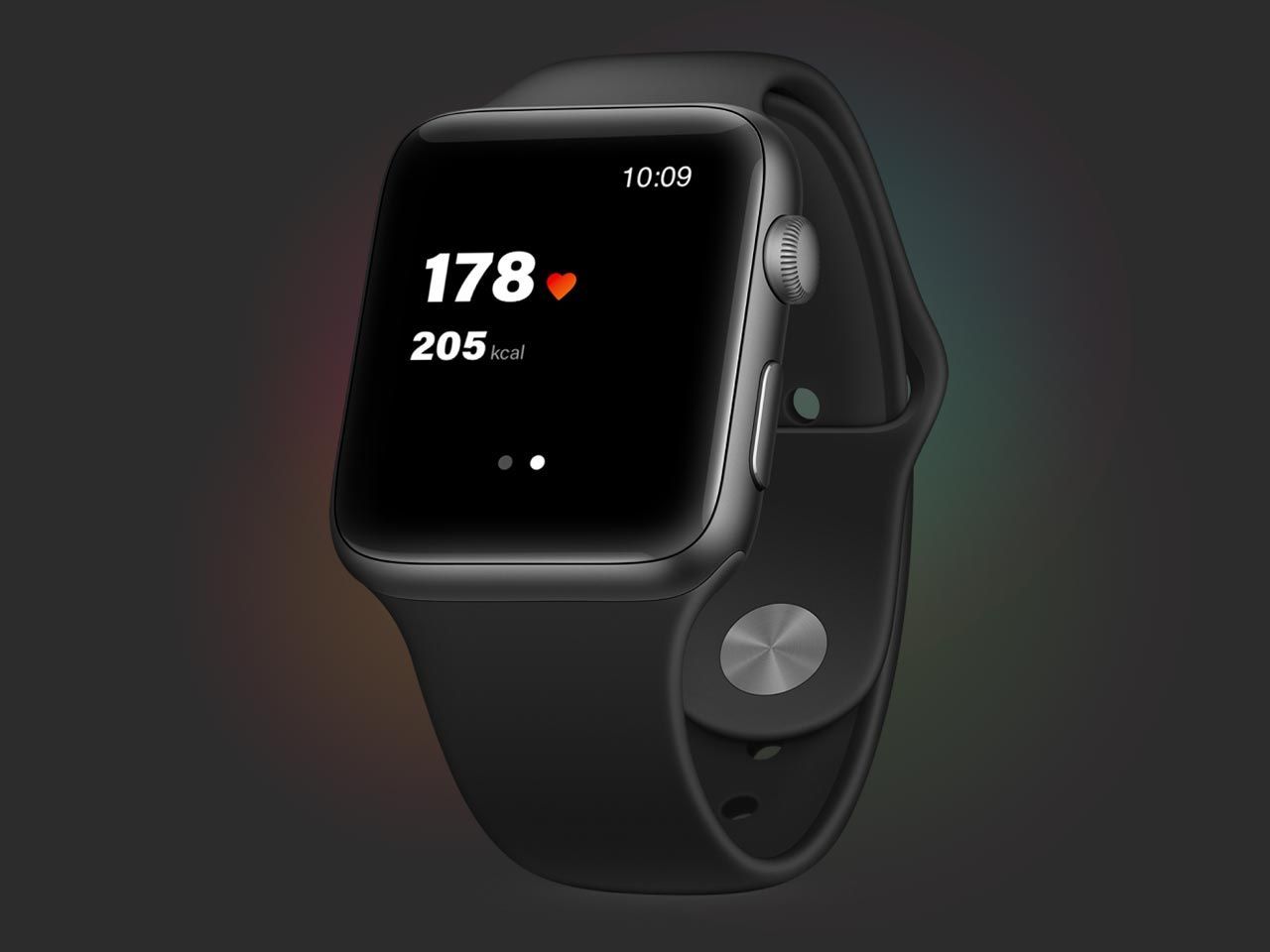
TECHNOGYM APP FOR APPLE WATCH
Monitor your heartbeat and calories, and pause, end, or resume your workout directly from your Watch..
TECHNOGYM PLUS
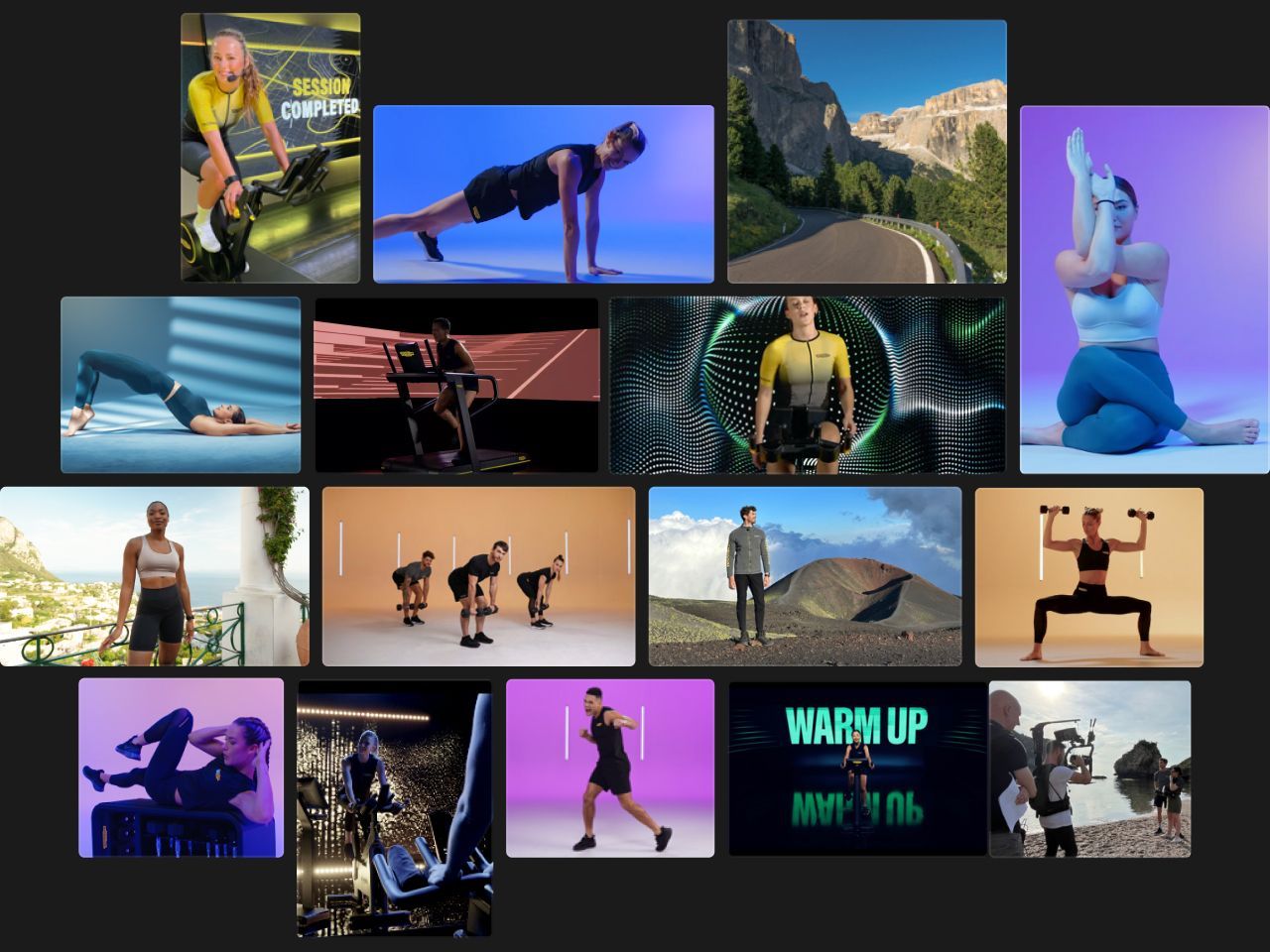
Cycling, yoga, boxing, HIIT, strength, guided meditations, and more video training Sessions, with the best trainers showing you proper exercise form and motivating you to achieve maximum results.
FREQUENTLY ASKED QUESTIONS
Get started using Technogym App, learn how to connect your devices, get more details on subscriptions, and much more.
FAQs
View and Manage Your Personal Data on the Technogym App
Privacy is of fundamental importance for Technogym. At any time, you can see and manage how the Technogym App processes your personal information and visibility on the app as well as your consent to the terms and conditions on the processing of your personal data, and export your data and delete your account.
Check your personal information
To check which personal information is associated with your Technogym ID, open the Technogym App and go to your profile, which is in the top right-hand corner of the app where your profile picture or initials are. Then tap on View full profile to see your personal information associated with your account, including your name, weight, height, and contact information. This is personal data you provided when signing up on the Technogym App, and which you can modify at any time.
Visibility in app
After tapping on View full profile, scroll down to Profile Settings and then to the section Visibility. Here you can set the toggle to on or off to choose whether you want your nickname and country to be visible to other app users when you participate in challenges on the app or when you sign up for classes at gyms that use the Technogym App.
Privacy policy and terms and conditions
On the app, you can also consult the Technogym privacy policy, and the Technogym App terms and conditions. Scroll down to the Profile Settings section described above and scroll down to Terms & Conditions and Privacy Policy. At the bottom of the section, you’ll also find a toggle which you can switch to on or off based on whether you would like to receive personalized communications from Technogym regarding services, products, and benefits. Exporting and deleting your data
If you wish to export or delete your personal data, scroll down to the Profile Settings section described above and select Export Data. Here you can download and receive – via email to the address associated with your profile – all the data connected to your Technogym ID. From this full profile area, you can also delete your account, which will permanently delete your Technogym ID and any data associated with your account. As a security measure, you’ll be asked to enter your password before your account is permanently deleted.
How can I cancel my subscription?
You can cancel your subscription at any time.
If you have an iOS device: Go to the Settings section on your phoneTap on your name (i.e. your Apple ID)Tap on “Subscriptions”Select “Technogym”Select “Cancel Subscription”
If you have an Android device: Open Google Play StoreTap on your profile icon in the top right-hand cornerFrom the menu, select “Payments and subscriptions”Select “Subscriptions”Select “Cancel subscription”
If you cancel your subscription, you’ll still be able to use the premium content for the full period you paid for.
You can always contact us here.
If I already have a Technogym Unlimited subscription for Technogym Bike, can I access Sessions on Technogym App?
Yes, your Technogym Unlimited subscription includes all Technogym Plus premium content.
How can I activate my subscription?
If you’re activating a free trial for the first time:
Go to the “Workouts” section
Tap on the “Unlock Sessions” banner
Enter your payment information on App Store/Google Play Store
Enjoy your month of free content
If you’ve already used your free trial and want to purchase a subscription, follow the above instructions, after which you’ll be charged for your subscription.
Where can I train with Technogym Plus?
The subscription is linked to your Technogym ID and you can access premium content from the Technogym App and from the connected consoles on all Technogym equipment, from the Live version on.
Is there a free trail period?
Yes, a 1-month free trial is included. An additional 1-month free trial is included with the purchase of selected Technogym products. You will never be charged during your free trial period, and you can cancel anytime.
What do I get with my Technogym Plus subscription?
Your Technogym Plus subscription gives you access to:
Trainer-led workouts in your personalized Precision Program created by Technogym AI Coach
1000 exciting trainer-led workouts (with new ones being added all the time) covering HIIT, boxing, Pilates, and more
guided meditation sessions covering sleep, personal growth, stress management, and more
What languages is Technogym App available in?
Describe the item or answer the question so that site visitors who are interested get more information. You can emphasize this text with bullets, italics or bold, and add links.
CONNECTIONS
Can I mirror my device screen onto my TV?
Yes, using Technogym App you can play your training sessions directly on your TV. After you start a workout, tap on the three dots in the top right-hand corner, then tap “Mirroring info” and follow the instructions on your device. The following devices are compatible: Apple AirPlay2, Samsung Smart View, Chromecast from Android devices (Google Home).
Can I connect third-party devices and apps to Technogym App?
Yes, you can connect different apps such as Strava, Garmin, Fitbit, Apple Health, Google Fit, Samsung Health and any heart rate monitor with Bluetooth LE. Moreover, you can use the Technogym App for Apple Watch to track your heart rate and pilot your workout.
FEATURES
How is my workout compliance calculated?
Your workout compliance is calculated differently based on the type of workout you do. If your workout includes Routines only, your compliance will be the ratio of MOVEs you earned to the total MOVEs possible. For instance, if the estimated MOVEs of a single exercise is 10 MOVEs but you earn 9 MOVEs, then your compliance is 90%.If your workout includes Sessions, your compliance for each block is calculated based on the percentage of the video you completed (e.g. if the video is 20 minutes long and you do 15 minutes, your compliance will be 75%). Your total overall workout compliance will be calculated based on the weighted average of each exercise and the duration of the exercise. An additional aspect that impacts your compliance is the time it takes you to complete the whole workout. If you take longer than expected – for example because you need more rest time or because you paused the workout – then your compliance will be adjusted.
How can I reorganise my weekly training plan?
If you skip your daily workout, the Technogym Coach will automatically prompt you to do it the next day; there is no need to reprogramme it yourself. However, if you want to reorganise your weekly workouts, go to the Coach tab and tap "Edit" on the right of the program summary, then tap "Training days"; move your Daily Workouts and Rest Days along the week as you prefer, and then click on "Save". The changes you make will take effect from next week.
How can I change my Precision Program?
To change your programme, go to the Coach tab and tap "Edit" on the right of the program summary, scroll down the page and tap the Programme Detail button, then select Retake Assessment at the bottom of the page.
What's the difference between a Precision Program and a Signature Program on Technogym App?
A Precision Program is your personalized training plan which Technogym AI Coach creates just for you and that adapts to your level, the equipment you have available, and to your progress so you can achieve the results you want in the shortest amount of time possible.
Signature Programs are sport-specific training plans created by professional trainers to the pros with the goal of helping you improve your performance in your favorite sports.
Technogym App Privacy Policy and Terms and Conditions apply.*Technogym Routines and Signature Programs included with Technogym App. Technogym Sessions are available with Technogym Plus subscriptions.
You might be interested
TECHNOGYM APPLICATION
Achieve superior results faster
> WATCH THE VIDEO
Technogym Coach personalizes your training
Train at home, in a hotel, gym or outdoors
Over 1000 workouts – with equipment or your own weight
Track your activities and lifestyle with MOVEs and MOVERGY (movement/activity index)
YOUR PERSONALIZED TRAINING PLAN
Technogym Coach is your digital personal trainer: answer a few questions and you'll receive a Precision Program tailored to you, which changes according to your progress and helps you reach your goals faster.
Choose your path:
Fitness – to get in shape, lose weight, tone up, build muscle or stay vital
Sports – to improve performance in tennis, golf, running or skiing
Health and lifestyle – to reap the benefits of physical activity with programs tailored to conditions such as diabetes, hypertension, obesity and back pain
Download the app and discover Technogym Coach.
TRAIN WHEREVER YOU ARE – WITH ANY EQUIPMENT OR JUST WITH YOUR OWN BODY WEIGHT
Whether you're at home, in the gym, at a hotel or outside, with the Technogym app you can customize your workout with exercises using your own weight or the equipment you have at your disposal - weights, treadmills, bikes and many other devices.
Unlimited training possibilities
Find the workout that suits you best. Choose from Routines, Sessions and Trainer Programs, and you'll get a variety of workouts to suit your needs: HIIT, strength, stretching, boxing, yoga, guided meditations and much more, with or without equipment.
Much more for the ultimate Wellness experience
Train your mind through meditation
Improve your mind-body connection with our guided meditations dedicated to personal growth, performance, stress, relaxation, sleep, and other aspects of mental well-being.
Stay young, longer
Make your years work for you with Longevity Sessions and articles with tips for a healthier, better and longer life. Exercise with our trainers, slow down biological aging and stay vital for as long as possible.
Climb the ladder with Challenges
Push your limits in individual challenges or compete with other users in the community. Earn badges one after another and climb to the top of the leaderboard!
Wellness Magazine
During your day off or while you're relaxing, you can browse our articles with helpful information on healthy eating habits, training tips, trends, mindfulness, and stories shared by our community.
Lifestyle
Diet
Training
Sport
Mindfulness
MAXIMIZE YOUR WELLNESS JOURNEY WITH OURA
Connect your Oura data to the Technogym app and take full control of your wellness journey. Sync your Oura ring to track recovery trends, including sleep, HRV, resting heart rate and respiratory rate. Gain complete insight into your health and fitness with the Wellness Passport, stay motivated and achieve your goals more easily.
TECHNOGYM APP FOR APPLE WATCH
Track your heart rate and calorie burn, as well as pause, end, or continue your workout directly from your Watch.
TECHNOGYM PLUS
Indoor cycling, yoga, boxing, HIIT, strength training, guided meditations and many more video training sessions, with the best trainers who show you how to perform the exercises correctly and motivate you to achieve maximum results.
FREQUENTLY ASKED QUESTIONS
Get started using the Technogym app, learn how to connect your devices, learn more about subscriptions and more.
FREQUENTLY ASKED QUESTIONS
View and manage your personal data in the Technogym app
Privacy is essential for Technogym. At any time, you can see and manage how the Technogym app processes your personal data and your visibility in the app, as well as your consent to the terms of use and data processing policies, as well as export your data or delete your account.
________________________________________
Personal data verification
To check what personal data is associated with your Technogym ID, open the Technogym app and go to your profile in the top right corner of the screen (where your profile picture or initials are located). Then tap View full profile to see the data associated with your account, including name, weight, height and contact information.
This is the information you entered during registration and you can change it at any time.
________________________________________
Visibility in the app
After opening View full profile, scroll down to Profile Settings and then to the Visibility section. Here you can turn on or off the visibility of your nickname and country to other app users, for example when participating in challenges or signing up for group training sessions at gyms that use the Technogym App.
________________________________________
Privacy Policy and Terms of Use
You can also review the Technogym Privacy Policy and Terms of Use for the Technogym app in the app. In the Profile Settings section, scroll down to Terms & Conditions and Privacy Policy.
At the bottom of this section there is also a switch that allows you to choose whether you want to receive personalized communications from Technogym regarding services, products and benefits.
________________________________________
Export and delete data
If you wish to export or delete your personal data, select Export Data under Profile Settings. Here you can download and receive via email (to the address associated with your account) all the data associated with your Technogym ID.
You can also delete your account from this section of your profile. Deleting your account permanently deletes your Technogym ID and all associated data. For security reasons, you will be asked to enter your password before your account is permanently deleted.
How can I cancel my subscription?
You can cancel your subscription at any time.
________________________________________
If you are using an iOS device:
1. Go to Settings on your phone
2. Tap your name (Apple ID)
3. Izaberite Subscriptions
4. Izaberite Technogym
5. Tap Cancel Subscription
________________________________________
If you are using an Android device:
1. Open the Google Play Store
2. Tap your profile icon in the top right corner
3. Izaberite Payments and subscriptions
4. Zatim Subscriptions
5. Tap Cancel subscription
If you cancel your subscription, you will still be able to use the premium content for the entire period that has already been paid for.
For additional assistance you can contact us here.
If I already have a Technogym Unlimited subscription for Technogym Bike, can I access Sessions content in the Technogym app?
Yes, your Technogym Unlimited subscription includes all Technogym Plus premium content.
How can I activate my subscription?
If you are activating the free trial for the first time:
1. Go to the Workouts section
2. Dodirnite baner Unlock Sessions
3. Enter your payment information via the App Store or Google Play Store
4. Enjoy one month of free content
If you've already used the free trial and want to purchase a subscription, follow the same steps — you'll then be charged for the subscription.
Where can I train with Technogym Plus?
The subscription is tied to your Technogym ID, so you can access premium content:
- in the Technogym app
- on connected consoles on all
Technogym devices, from the Live version onwards
Is there a free trial period?
Yes, a one-month free trial is included.
You get an additional month of free use with the purchase of certain Technogym products.
You will never be charged during the trial period, and you can cancel your subscription at any time.
What do I get with a Technogym Plus subscription?
The Technogym Plus subscription gives you access to:
- Coach-led training sessions, within your personalized Precision Program created by Technogym AI Coach
- Over 1000 guided workouts (with new ones added all the time): HIIT, boxing, Pilates and more
- Guided meditations for sleep, personal development, stress management and more
In which languages is the Technogym app available?
Describe the item or answer the question so that site visitors who are interested get more information. You can emphasize this text with bullets, italics or bold, and add links.
CONNECTION
Can I display my device's screen on a TV?
Yes, with the Technogym app you can display your training sessions directly on your TV. After starting your workout, tap the three dots in the top right corner, then select Mirroring info and follow the instructions on your device. The following devices are compatible: Apple AirPlay 2, Samsung Smart View, Chromecast from Android devices (Google Home).
Can I connect third-party devices and apps to the Technogym app?
Yes, you can connect various apps like Strava, Garmin, Fitbit, Apple Health, Google Fit, Samsung Health, as well as any heart rate monitor with Bluetooth LE. You can also use the Technogym app for Apple Watch to track your heart rate and manage your workouts directly from your watch.
FUNCTIONALITIES
How is the consistency of my training calculated?
Training compliance is calculated differently, depending on the type of training you do:
- If you only train Routines:
Compliance is the ratio of the number of MOVEs you have made to the total number of MOVEs that were possible.
For example, if the estimated MOVEs for an exercise are 10, and you achieve 9 MOVEs, your compliance is 90%.
- If you train Sessions:
Compliance is calculated per block based on the percentage of video material viewed.
For example, if the video is 20 minutes long and you train for 15 minutes, your compliance is 75%.
Overall compliance is calculated as a weighted average value for all exercises, relative to the duration of each exercise.
An additional factor that affects compliance is the time it takes to complete the entire workout. If you need more time than anticipated – for example, due to extra rest or pausing – your compliance will be adjusted.
How can I reorganize my weekly training plan?
If you skip a daily workout, Technogym Coach will automatically remind you to do it the next day – no need to change the program yourself.
If you want to reorganize your weekly workouts:
1. Go to the Coach tab
2. Tap Edit next to the program preview
3. Izaberite Training days
4. Move Daily Workouts and Rest Days around the week as you see fit
5. Click Save
The changes will take effect from next week.
How can I change my Precision Program?
To change the program:
1. Go to the Coach tab
2. Tap Edit next to the program preview
3. Scroll to Programme Detail
4. Select Retake Assessment at the bottom of the page
What is the difference between the Precision Program and the Signature Program in the Technogym app?
- Precision Program is your personalized training plan created by Technogym AI Coach. The program adapts to your level, available equipment and progress, to achieve the desired results in the shortest possible time.
- Signature Programs are sport-specific training plans, created by professional athletes' coaches, with the goal of improving your performance in your favorite sports.
The application is subject to the Privacy Policy and Terms of Use of the Technogym app. Technogym Routines and Signature Programs are included in the Technogym app. Technogym Sessions are available with Technogym Plus subscriptions.